

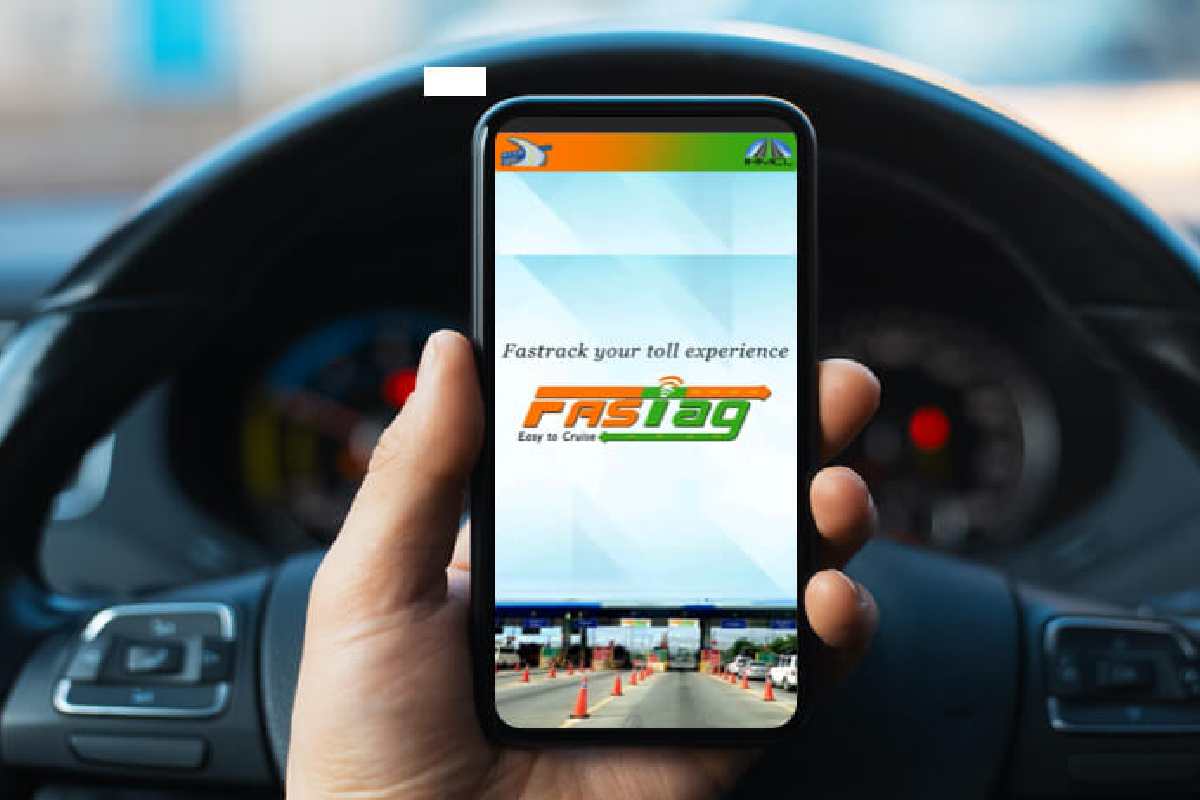
How to Check FASTag Balance by Vehicle Number (2025 Guide)
FASTag balance inquiries on the basis of vehicle number expedite the operation of tolls among the Indian drivers to avoid fines through the rapid access of online, SMS, app, or portal. This guide encompasses all the means, issuers such as ICICI/NHAI/NETC, status checks as well as recharges specific to Hyderabad commuters.
What is FASTag Balance Check?
FASTag is a system that connects an RFID tag to a prepaid wallet, which allows you to pay with your car in cashless mode. Balance check through vehicle number (e.g. TS12AB1234) presents the available money, transactions, and status (active/blocked/low). Mandatory because 100% mandatory adoption; low balance attracts twice the toll together with 500 fine.
Methods to Check FASTag Balance by Vehicle Number
Multiple issuer-agnostic options exist.
| Method | Steps | Requirements |
| MyFASTag App | 1. Download app. 2. Enter vehicle no. 3. View balance/status. | Free app; linked mobile. |
| SMS | BAL <space> VEHICLE_NO to 7738299899 (HDFC/ICICI) or issuer no. | Registered mobile. |
| Missed Call | 7208053999 (HDFC); balance via auto-SMS. | Registered no. |
| NHAI Portal | ihmcl.co.in > Enter vehicle no. > Check. | No login for basic. |
| UPI Apps (Paytm/GPay) | Link FASTag ID > View balance. | UPI handle linked. |
Response: “Your bal is Rs.XXX. Last txn: Rs.YYY at ZZZ toll.”
FASTag Status Check with Vehicle Number
Confirms if tag is active/expired/blocked.
| Portal/App | Process | Status Types |
| NHAI/IHMCL | Enter RC no. > View tag status. | Active/Inactive/Blocked/Low Bal. |
| MyFASTag | Vehicle no. > Dashboard shows expiry. | Valid/Expired/Suspended. |
| Bank App (ICICI) | Login > FASTag > Status. | Linked to KYC. |
Blocked if balance <₹200 or inactive 45+ days.
Step-by-Step: Online Balance Check
MyFASTag App (Universal)
- Download from Play/App Store.
- Enter vehicle number/mobile.
- OTP verify.
- Dashboard: Balance, history, recharge.
NHAI/IHMCL Portal
- Visit ihmcl.co.in/fastag-user.
- “Check Balance/Status” > Vehicle no.
- Instant display; no login.
Bank-Specific Checks (ICICI Example)
ICICI FASTag holders in Hyderabad: High usage on ORR.
| Method | Details |
| iMobile App | Login > Pay > FASTag > Vehicle no. > Balance. |
| Internet Banking | FASTag section > Enter RC no. |
| SMS | BAL TS12AB1234 to 8010928888. |
| Missed Call | 8010928888. |
Other banks: HDFC (7208053999), Axis (SMS BAL to 9811010101).
NETC FASTag Balance Check
NETC (NHAI standard) uses central system.
- Portal: netc.org.in > Vehicle no.
- App: MyFASTag links all NETC tags.
- Helpline: 1033 (IVR balance).
FASTag Recharge Options
Maintain ₹500+ buffer for Hyderabad-Hyderabad tolls (~₹200/trip).
| Platform | Steps | Min Amount |
| MyFASTag/Park+ | Vehicle no. > UPI/Netbanking. | ₹100. |
| Bajaj Finserv | App > FASTag > Vehicle no. > Pay. | ₹200. |
| Paytm/GPay | Search FASTag > RC no. > Recharge. | ₹50. |
| Bank App | Dedicated FASTag wallet top-up. | Varies. |
| Offline | Highways outlets/PoS. | Cash. |
Auto-recharge via linked savings; 1% cashback on UPI.
ICICI FASTag Specifics
Popular in Telangana; check via:
- iMobile: “FASTag Balance Enquiry” > Vehicle no.
- SMS: “FASTAG BAL <RC_NO>” to 5676767.
- Portal: icicibank.com > FASTag > Login with RC/mobile.
- Balance auto-deducts; alerts at ₹100 threshold.
Common Issues & Solutions
| Issue | Fix |
| Invalid Vehicle No. | Use exact RC format (e.g., TS07EF1234). |
| No Balance Shown | Tag not linked; visit issuer. |
| Blocked Tag | Recharge + use within 45 days. |
| Wrong Issuer | Check sticker for bank (ICICI/HDFC). |
Helpline: 1800-120-1243 (multi-bank).
Hyderabad-Specific Tips
ORR/Patancheru tolls: Check pre-trip; peak fines ₹1,000. Use Park+ for RTO-linked RC checks. EV incentives: Some tags get toll discounts.
Transaction History View
All portals show last 50 txns: Date, toll plaza, amount deducted. Export PDF for ITR/caims.
Security Notes
- Use official apps/portals; avoid phishing SMS.
- Link only verified mobile.
- Report lost tag: Block via app + new RC affidavit.
Regular checks ensure seamless drives—recharge proactively for stress-free Hyderabad commutes.
Conclusion
Learning to pay with FASTag balance checks through vehicle number will save Hyderabad people a lot of torture at the tolls and a hassle free journey through ORR even with the enforcement of cashless facilities. The MyFASTag app, NHAI portal, SMS, and bank apps such as ICICI provide instant balance, status, and history keeping funds over ₹500 do not receive two tolls and ₹500 penalties. Patancheru check-in; UPI auto-recharge is more time-saving.
Combine EV discount-based incentives- your tech-savvy sales process will enjoy the benefits of Park+ integration. Download MyFASTag now, fill in TS-plate, alerts. Active balance = stressful motives, which is also in line with your wellness emphasis. Drive smart, not stuck.